| Button | What it does |
|---|---|
| Save | Saves and stays on the product. |
| Save & Close | Saves and returns to the list. |
| Save & New | Saves and opens an empty product. |
| Open in Phoca's full editor | Opens the same product in Phoca Cart's editor. |
| Close | Returns to the list without saving. Photos uploaded during this visit and not kept are removed. |
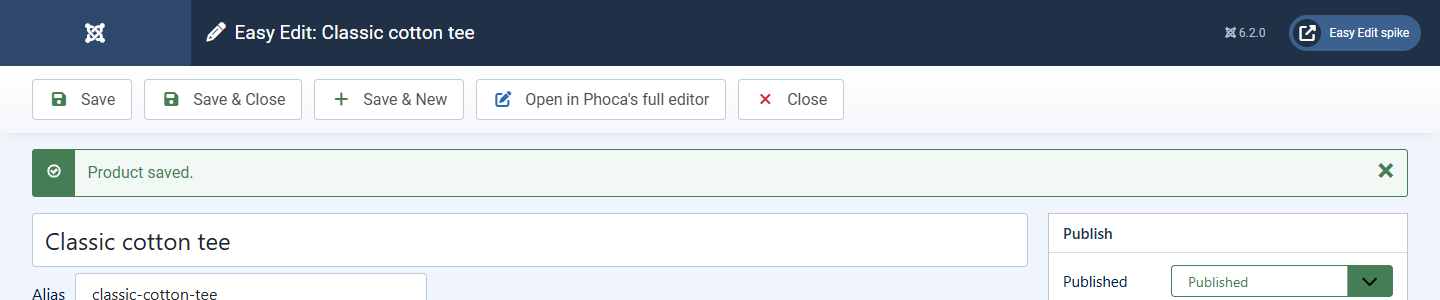
Easy Edit saves through Phoca Cart itself. It loads the whole product, changes only what is on its screen and sends the whole product back, so options, specifications, related products, customer groups, feed settings and everything else Easy Edit does not show stay exactly as they were.
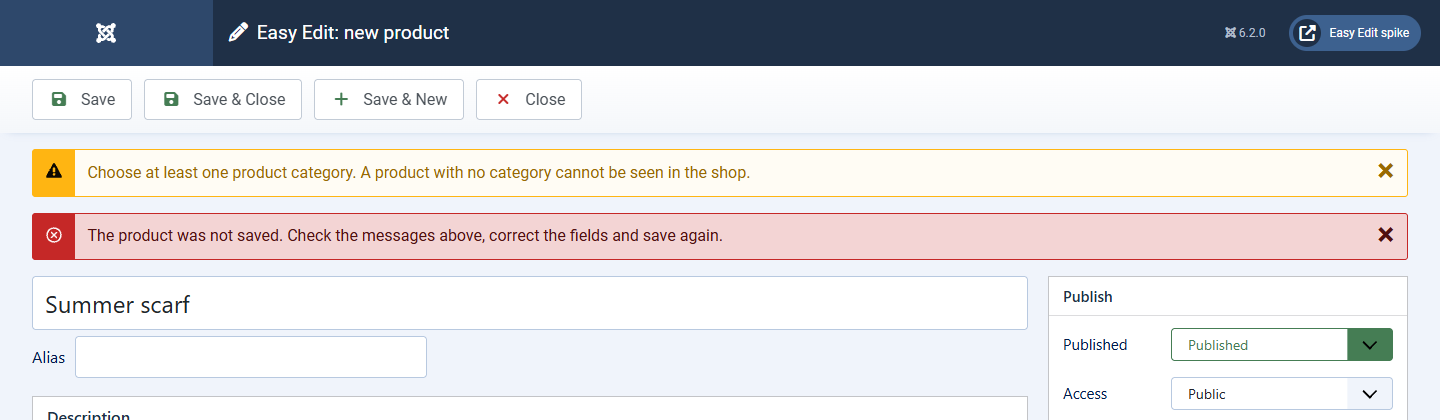
Like Phoca's editor, Easy Edit refuses to save a product with no name, no category, or a web address another product already uses. The message says what to fix; nothing in the shop changes, and everything you typed stays on the screen.