Skip to the main content

Webal Image

One picture in a page, with its own description, caption, shape and shadow, and a choice of what a press on it does.

Webal Image shows one picture: a photograph or an SVG drawing. You choose its shape, corners, border and shadow, give it a description for people who cannot see it, and decide what a press on it does. Below, the same module in four settings, each with the steps to set it up.

These four settings are only a sample. Every option of Webal Image can be combined with the others, so it can look many more ways than shown here: each option is explained in the options of the Webal Image manual.

On this page

  1. A picture with a caption
  2. The larger picture opens when it is pressed
  3. An SVG drawing in your own colour
  4. A panorama that links to a page, in dark colours

A picture with a caption

A harbour photograph in a wide shape with rounded corners, a soft shadow and a caption under it.

Saltmere harbour at low tide, with small boats resting on the mud below the town
Saltmere harbour at low tide, looking up towards Church Lane.

How to set this up

In the administrator choose Content, then Site Modules, press New and choose Webal Image.

  1. On the Module tab, under Image, choose the Image from your images folder and type its Alternative text.
  2. In the same group set Shape to Widescreen (16:9), Corners to Rounded corners and Shadow to Medium.
  3. Type a Caption: words for everyone, separate from the alternative text.
  4. Keep When the picture is clicked on Nothing happens.
  5. Choose the Position, press Save, then pick the page on the Menu Assignment tab.

The larger picture opens when it is pressed

A smaller picture that grows a little under the pointer. Press it and the larger picture opens in a viewer.

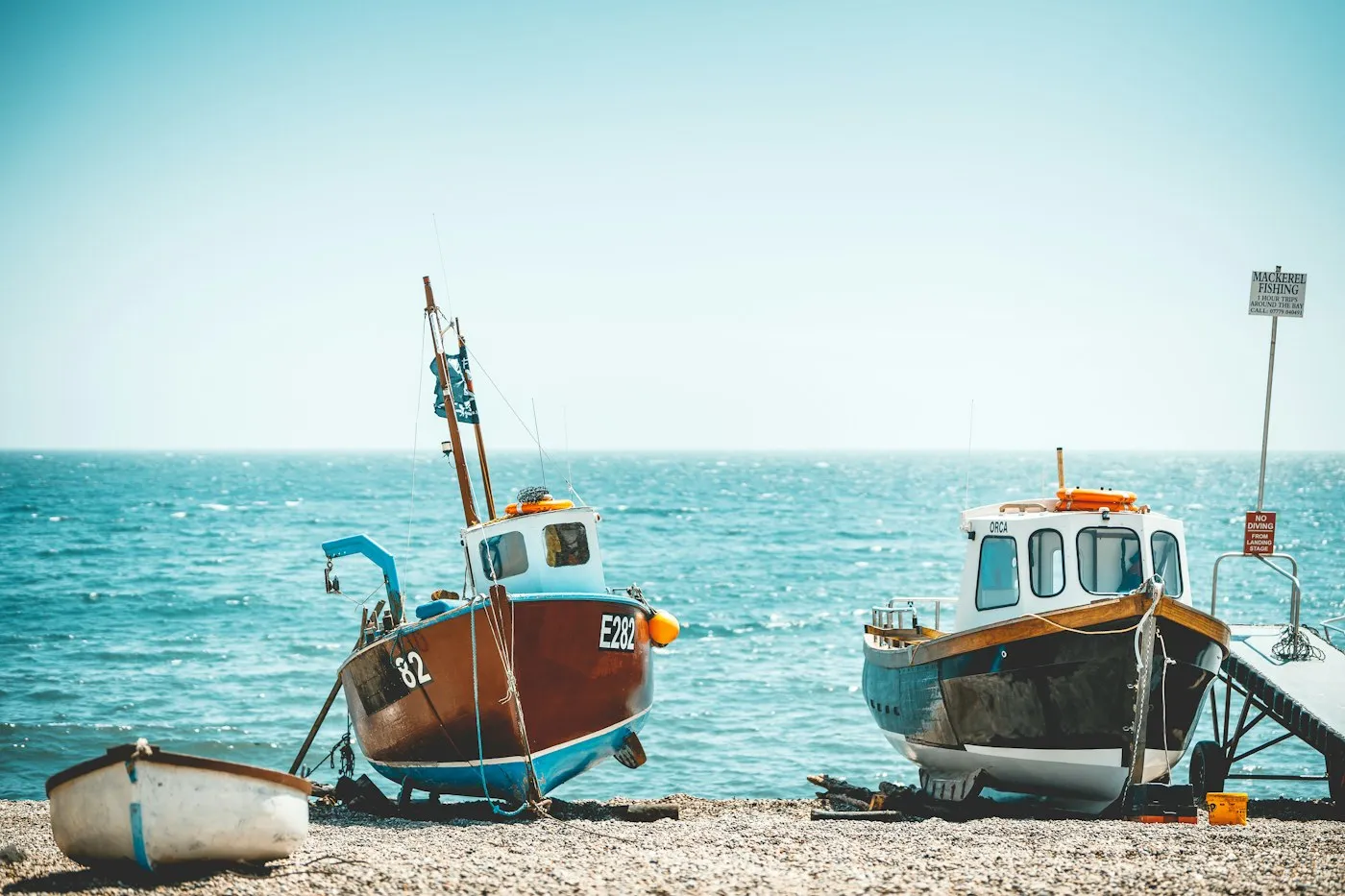
Two fishing boats pulled up on the shingle at North Beach, with the sea behind them
Fishing boats on North Beach. Press the picture to see it larger.

Two fishing boats pulled up on the shingle at North Beach, with the sea behind them

How to set this up

Open your Webal Image module from Content, then Site Modules.

  1. On the Module tab, under Image, set Shape to Standard (4:3), Width to Three quarters, Corners to Rounded corners and Hover effect to Grow slightly.
  2. Set When the picture is clicked to Open the larger picture.
  3. The viewer shows the biggest copy the site made, at most 2,560 pixels wide, not your original upload.
  4. Press Save & Close.

An SVG drawing in your own colour

A lighthouse drawing, half the width, painted in the theme’s link colour. The same file can be painted in any other colour on the list.

A lighthouse on a rock with waves
The Saltmere lighthouse, drawn for the town guide.

How to set this up

Open your Webal Image module from Content, then Site Modules.

  1. On the Module tab, under Image, choose a file that ends in .svg from your images folder and type its Alternative text.
  2. Set Width to Half.
  3. On the Look tab, set Picture colour (SVG only) to Primary (the link colour). A photograph is never changed by this option.
  4. Press Save & Close.

A panorama that links to a page, in dark colours

A very wide picture with fully rounded ends, a thin light border and a large shadow. Pressing it goes to a page.

Saltmere Pier stretching out over the sea, with lamp posts along its length
Saltmere Pier is open every day until 9 pm. Press the picture to read about it.

How to set this up

Open your Webal Image module from Content, then Site Modules.

  1. On the Module tab, under Image, set Shape to Panorama (21:9), Corners to Pill (fully rounded ends), Border to Thin, Border colour to Light and Shadow to Large.
  2. Set When the picture is clicked to Go to a link. In the Link group set Link to to A web address (URL), type the Web address, and type an Accessible name such as About Saltmere Pier.
  3. On the Layout tab, under Colour scheme, choose Dark, for a module on a dark part of the page.
  4. Press Save & Close.

Every module, one licence

Webal Blocks: 39 modules for Joomla 6, with Webal Layouts and a manual for every block. From £59 a year, including VAT.