Skip to the main content

Webal Flickr

The latest public photographs of a Flickr user, copied to your own site once, so visitors’ browsers never contact Flickr.

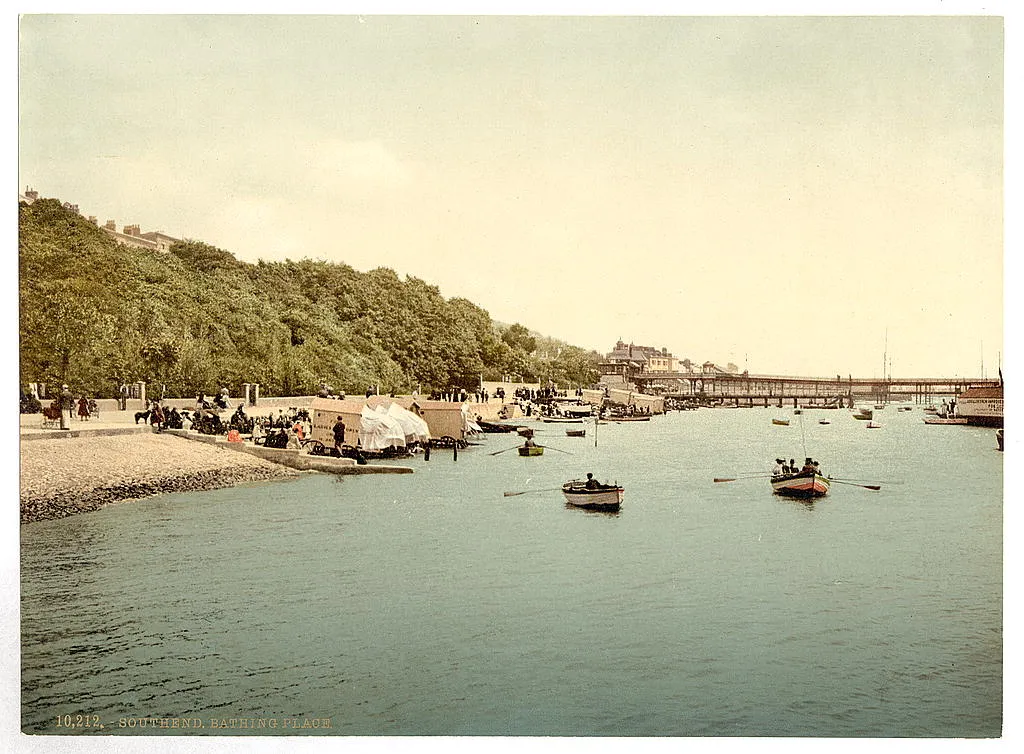
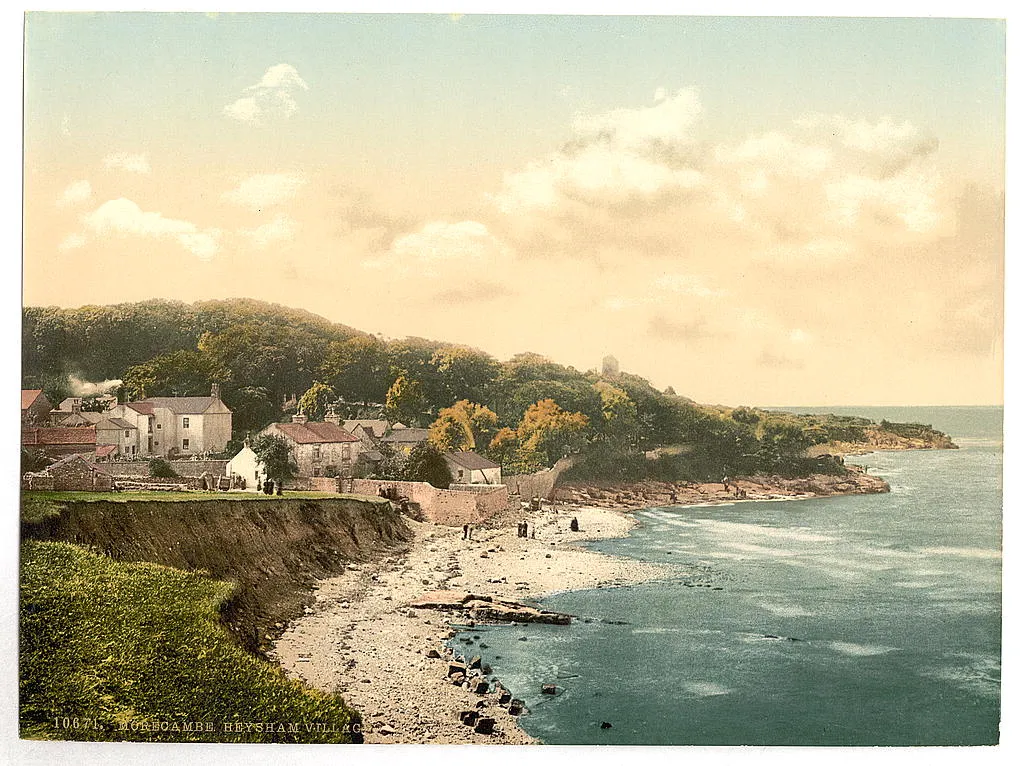
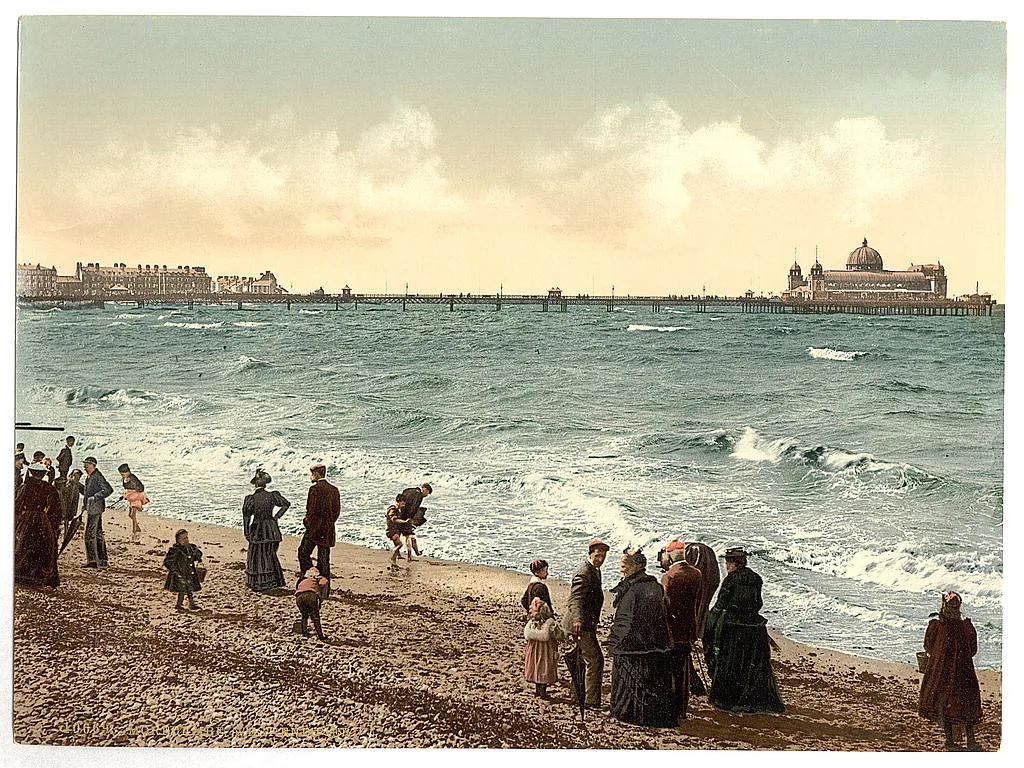
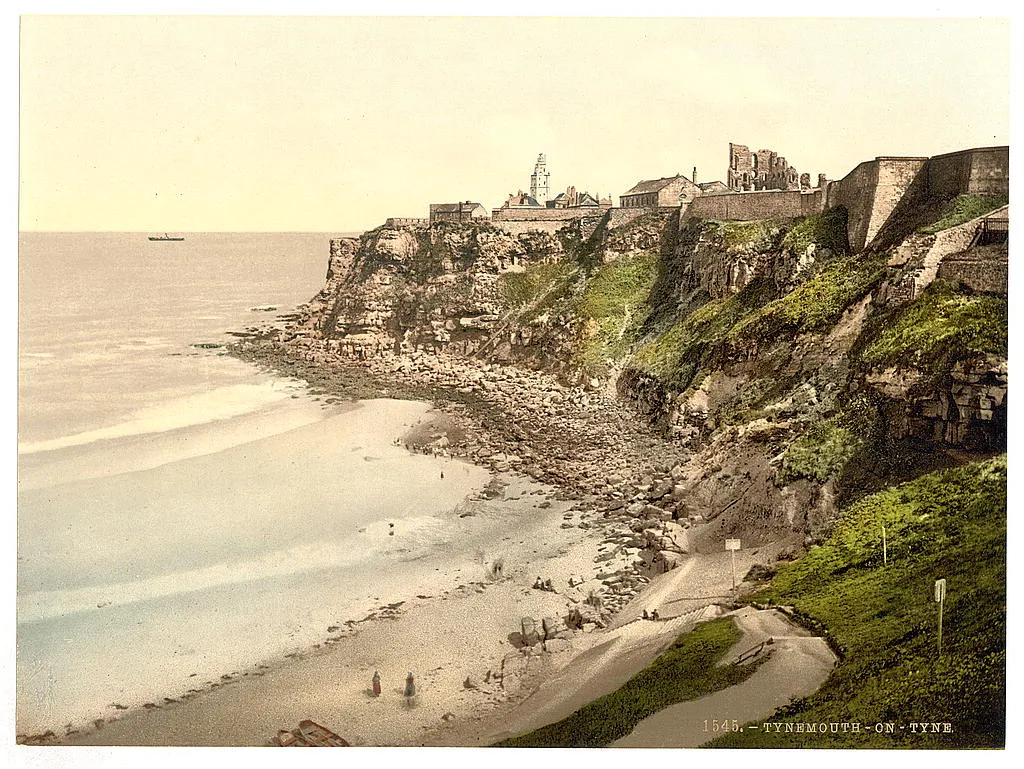
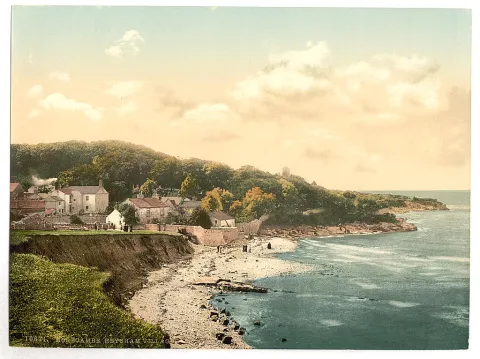
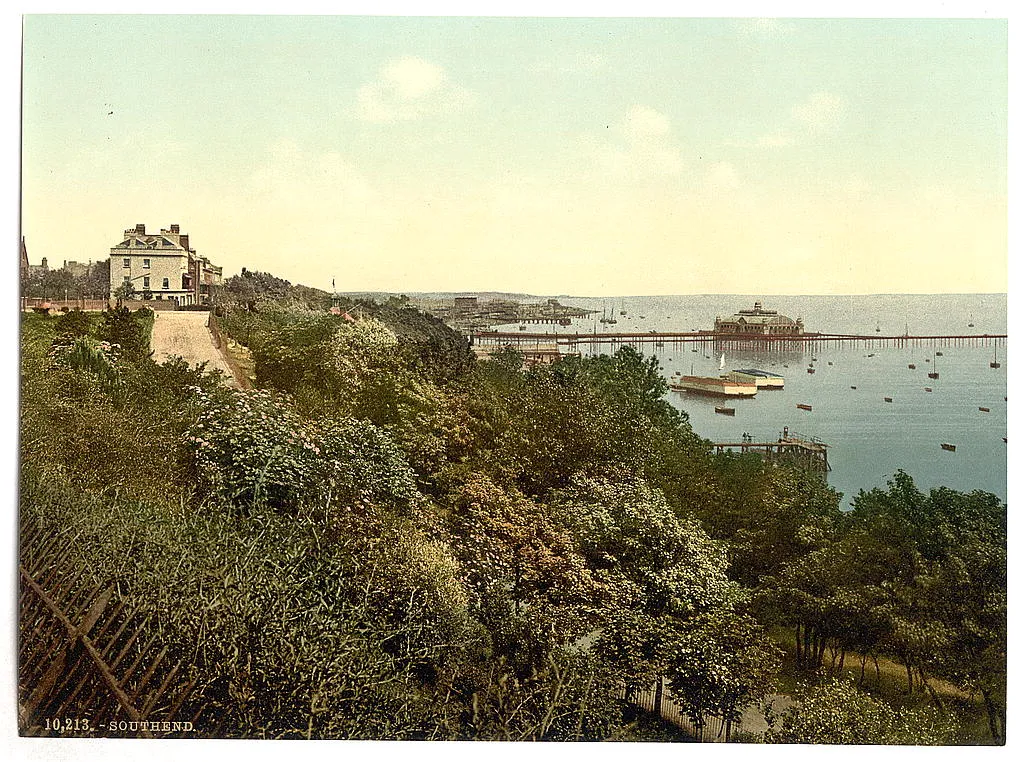
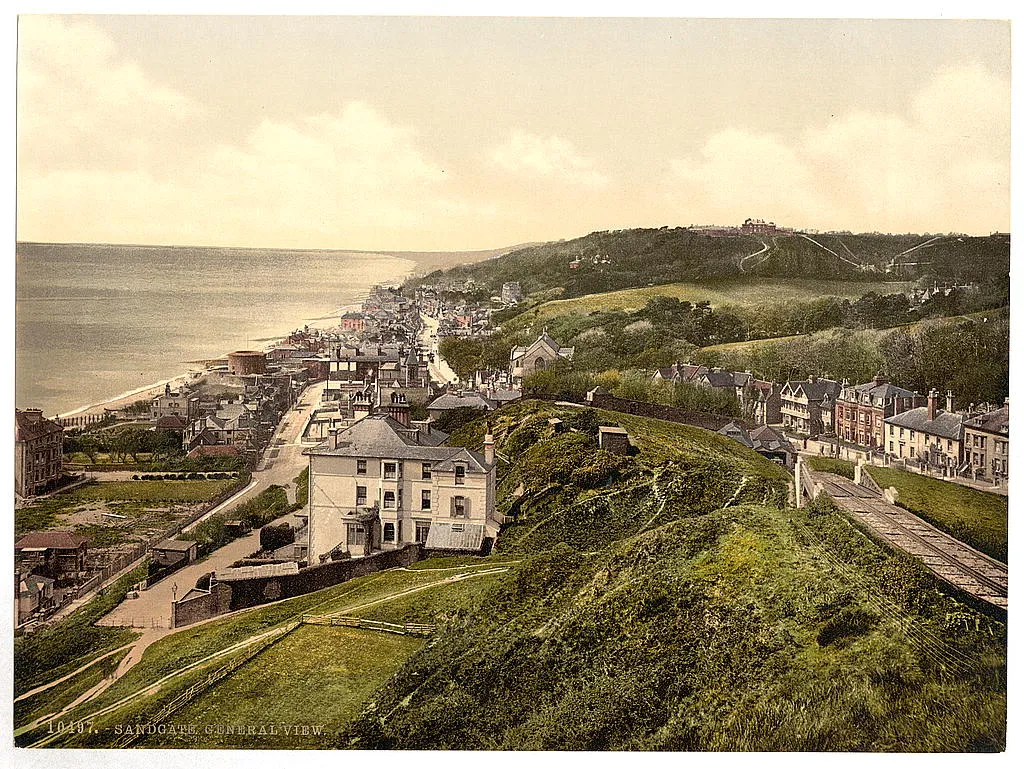
Webal Flickr shows the latest public photographs of one Flickr user as a grid, with a viewer that opens each photograph large. Your server copies each photograph once, so your visitors’ browsers never contact Flickr. The photographs here come from the public feed of the Library of Congress on Flickr Commons, filtered by tag: old views of English seaside towns. They appear a few at a time on the first visits. Below, the same module in four settings, each with the steps to set it up.

These four settings are only a sample. Every option of Webal Flickr can be combined with the others, so it can look many more ways than shown here: each option is explained in the options of the Webal Flickr manual.
On this page

  1. Titles and a link to Flickr under each photograph
  2. Square photographs with rounded corners
  3. Photographs that go to Flickr when pressed
  4. Natural shapes in dark colours

Titles and a link to Flickr under each photograph

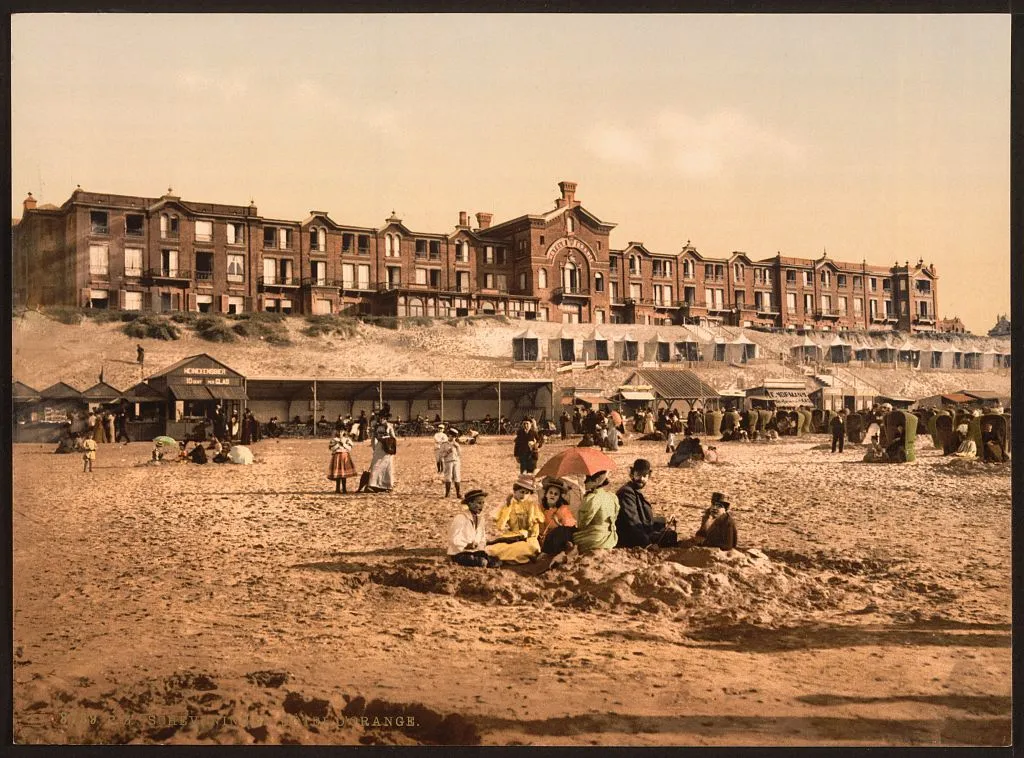
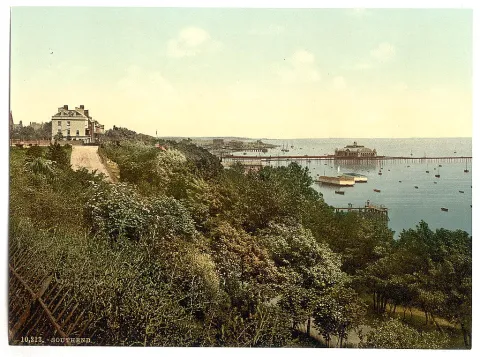
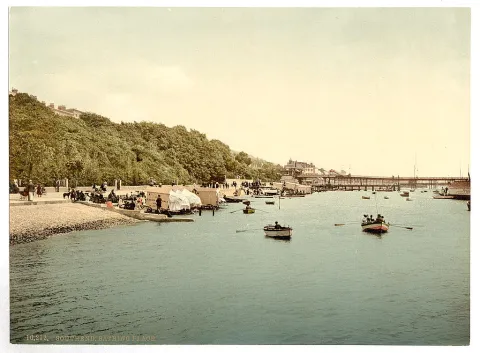
Eight old photographs of English seaside towns with the title and a Flickr link under each. Press one and it opens large in a viewer.

Photographs by The Library of Congress on Flickr (opens in a new tab)

Showcase Flickr: titles demo

How to set this up

In the administrator choose Content, then Site Modules, press New and choose Webal Flickr.

  1. On the Module tab, type the Flickr user id: digits, then @N and two digits. It is not the screen name. This page uses 8623220@N02, the Library of Congress.
  2. Type a tag in Only photographs with these tags, here coast, and set A photograph needs to Any one of the tags. Set Number of photographs to 8.
  3. On the Look tab, keep Under each photograph on Its title and a link to Flickr and When a photograph is chosen on Open it large in a viewer. Set Shape to Landscape 4 to 3.
  4. On the Display tab, under Grid, set Columns in a wide space to 4.
  5. Choose the Position, press Save, then pick the page on the Menu Assignment tab.

Square photographs with rounded corners

Nine photographs in square boxes with soft corners and no titles. Each one grows a little under the pointer.

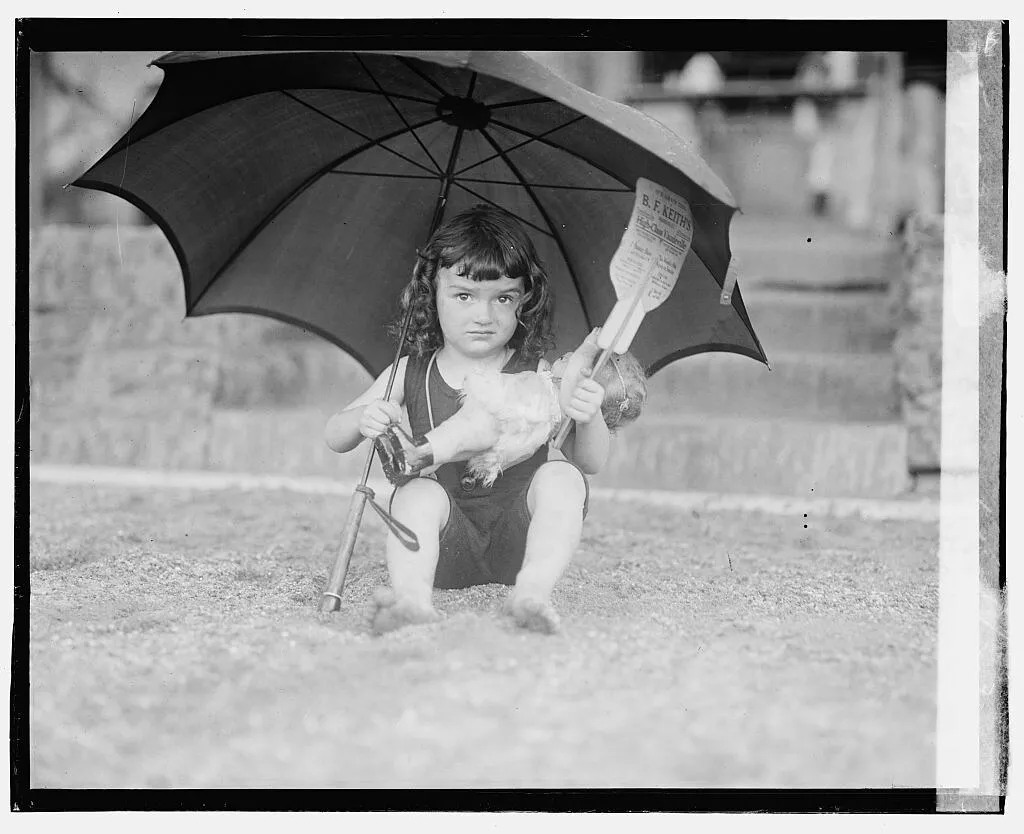
  • [Girl in bathing suit holding umbrella], 6/28/23 (LOC)
  • Fox (LOC)
  • Fox (LOC)
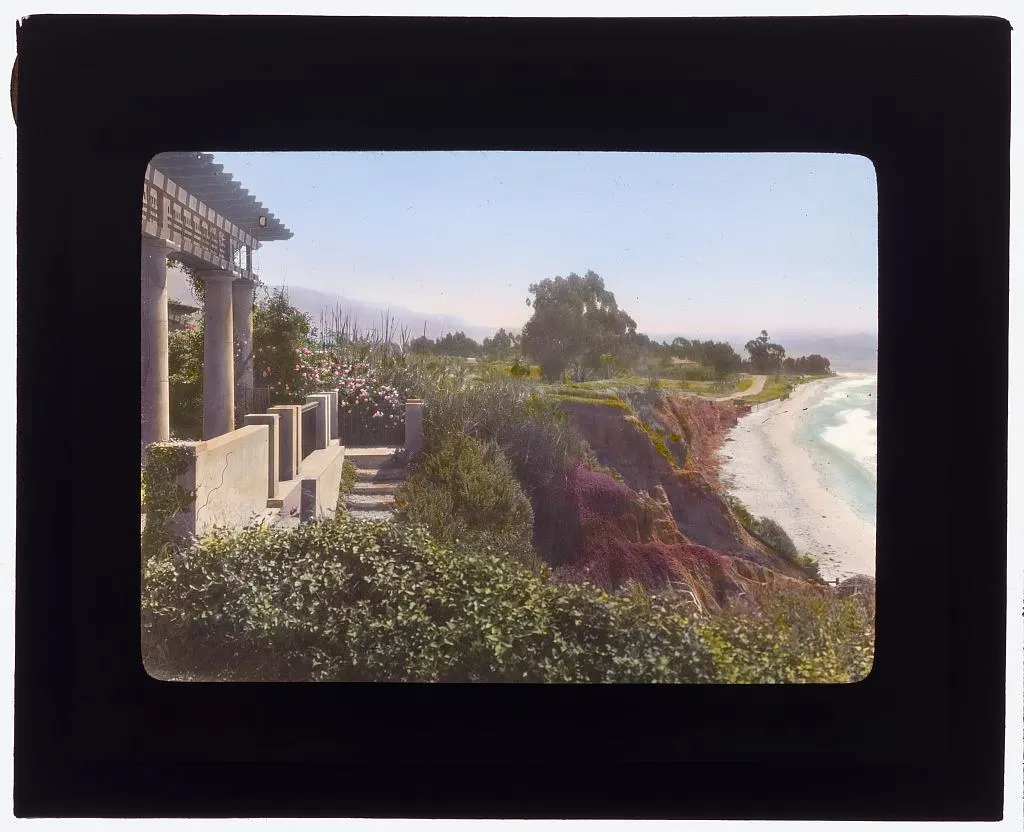
  • "Inellan," Walter Douglas house, Channel Drive, Montecito, California. (LOC)
  • [Hotel d'Orange, Scheveningen, Holland] (LOC)
  • Asbury Park (LOC)
  • [Prominade (i.e., promenade) from station, Colwyn Bay, Wales] (LOC)
  • [From Constitution Hill, Aberystwith, Wales] (LOC)
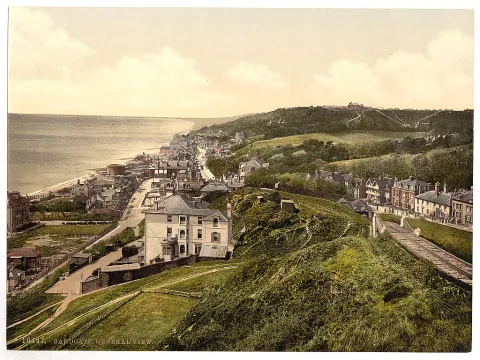
  • [General view, Aberystwith, Wales] (LOC)

Photographs by The Library of Congress on Flickr (opens in a new tab)

Showcase Flickr: square demo

How to set this up

Open your Webal Flickr module from Content, then Site Modules.

  1. On the Module tab, change the tag to seaside and set Number of photographs to 9.
  2. On the Look tab, set Under each photograph to Nothing, Shape to Square, Corners to Rounded and When the pointer is over a photograph to Grow a little.
  3. On the Display tab, under Grid, set Columns in a medium space and Columns in a wide space to 3.
  4. Press Save & Close.

Photographs that go to Flickr when pressed

Six wide photographs, two across. Pressing one opens its page on Flickr in a new tab instead of a viewer.

How to set this up

Open your Webal Flickr module from Content, then Site Modules.

  1. On the Module tab, set Number of photographs to 6.
  2. On the Look tab, set When a photograph is chosen to Go to its page on Flickr and Shape to Wide 16 to 9.
  3. On the Display tab, under Grid, set Columns in a medium space and Columns in a wide space to 2.
  4. Press Save & Close.

Natural shapes in dark colours

Each photograph keeps its own shape, on a dark band. The title sits under it and the credit line stays below the grid.

How to set this up

Open your Webal Flickr module from Content, then Site Modules.

  1. On the Look tab, keep Shape on Natural (each photograph keeps its own shape) and set Corners to Rounded.
  2. On the Display tab, under Grid, set Columns in a wide space to 3.
  3. On the Layout tab, under Colour scheme, choose Dark.
  4. Press Save & Close.

Every module, one licence

Webal Blocks: 39 modules for Joomla 6, with Webal Layouts and a manual for every block. From £59 a year, including VAT.